
If you use one Google Calendar for everything, you already know the problem. Work meetings, dentist appointments, gym sessions, date nights - it all blurs together into one chaotic wall of events.
Most people try to fix this by creating separate calendars. A work calendar, a personal calendar, maybe one for the kids as well. It helps a bit. But your week still looks like a mess because there’s no visual structure showing you where work ends and life begins.
What you actually need
The missing piece isn’t more calendars. It’s a visual layer that shows the shape of your week at a glance. When does work start? When does it end? How much personal time do you actually have available?
The fix
Shade Calendar is a Chrome extension that lets you add colored blocks directly onto your Google Calendar. Shade your working hours one color and your personal time another, and suddenly your week has a structure you can actually see.
You could set it up like this:
- Purple blocks from midnight to 9am and 6pm to midnight on weekdays
- A different color for the weekend
- A third color for recurring personal commitments like childcare or the gym
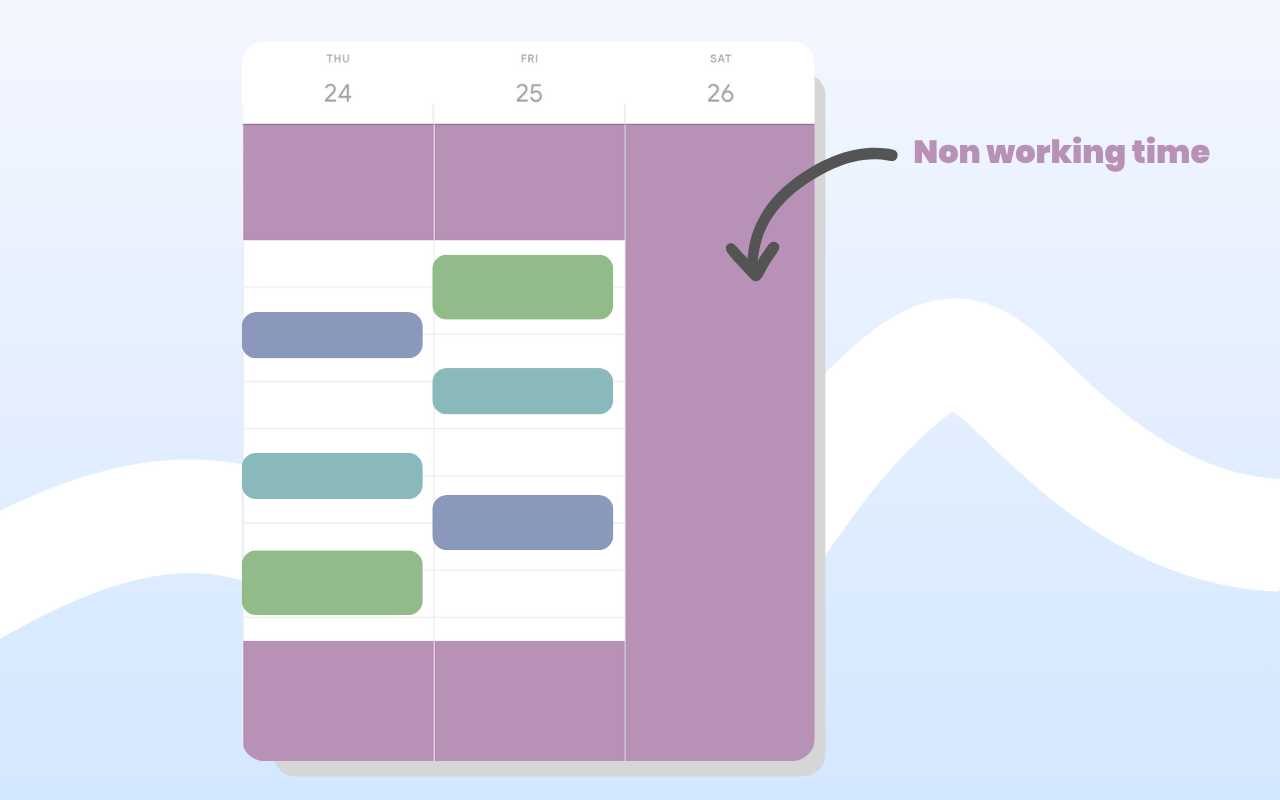
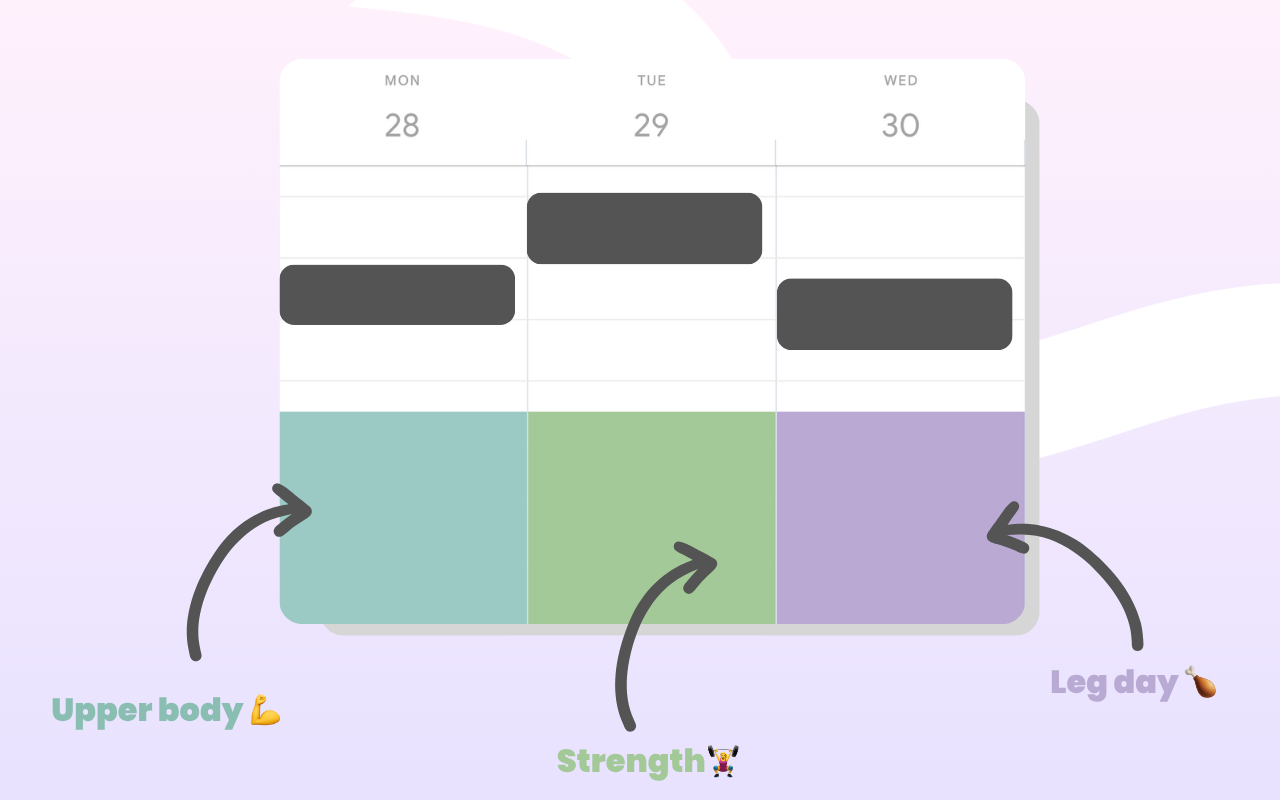
Everything sits in the background, behind your actual events. No clutter or fake appointments. 💯
Getting started
Install the extension, open Google Calendar, and add your first block. Most people have their whole week set up in under two minutes.
Try Shade Calendar →