
Not everyone works 9 to 5. Freelancers, shift workers, part-timers, contractors - millions of people have schedules that change from day to day or week to week.
Google Calendar does actually let you set custom working hours for each day. You can find it under Settings → Working hours & location, and set completely different start and end times for Monday through Friday.
But here’s the catch - it doesn’t show any visual shading on your own calendar 😱. It only affects how other people see your availability when scheduling meetings. For your own view, nothing changes at all.
So you still open your calendar and see the same wall of white space, with no visual indication of when you’re working and when you’re not.
Why this matters for irregular workers
If you work regular hours, this is annoying but manageable. But if your hours change day to day - say you work mornings on Monday, split shifts on Wednesday, and finish early on Friday - the lack of visual structure makes your calendar harder to use.
You end up mentally visualizing your day every time you open your calendar. Which hours are work? Which gaps are actually free? It’s the kind of low-level friction that adds up over a week.
The fix
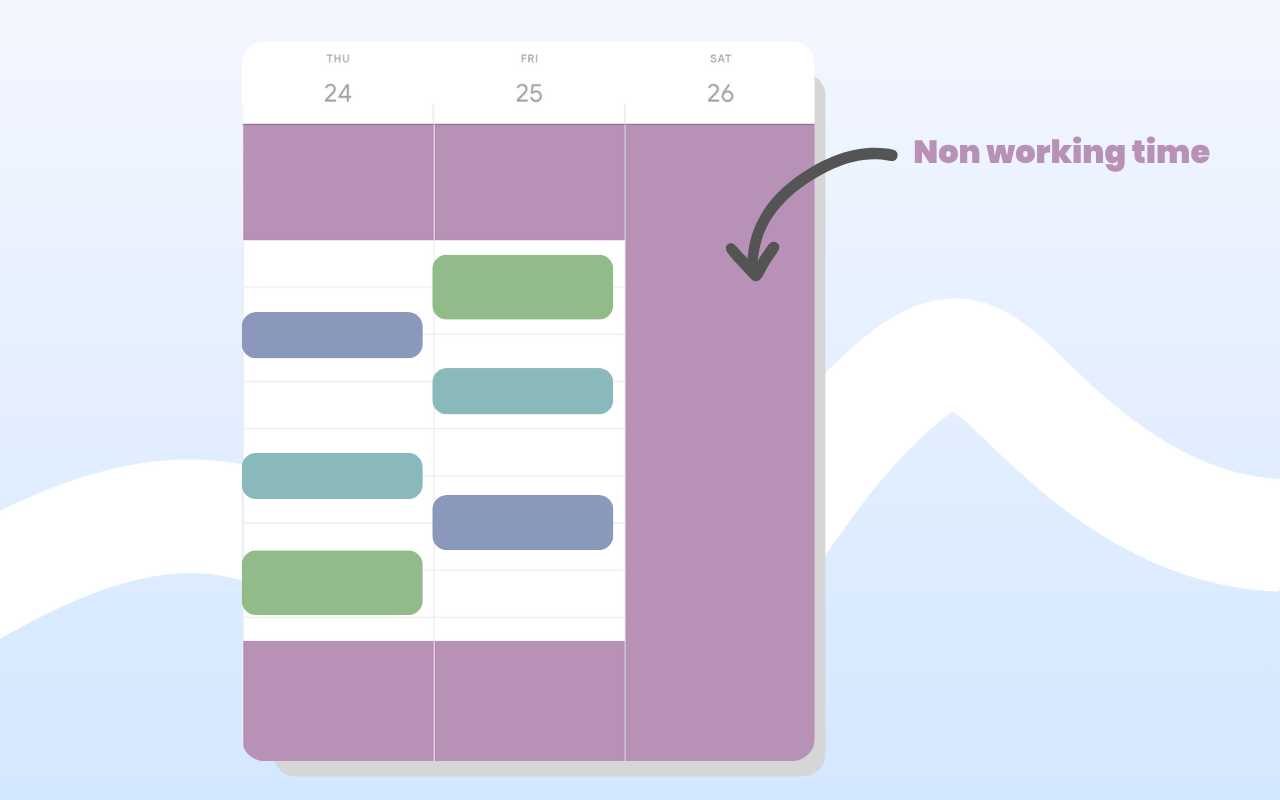
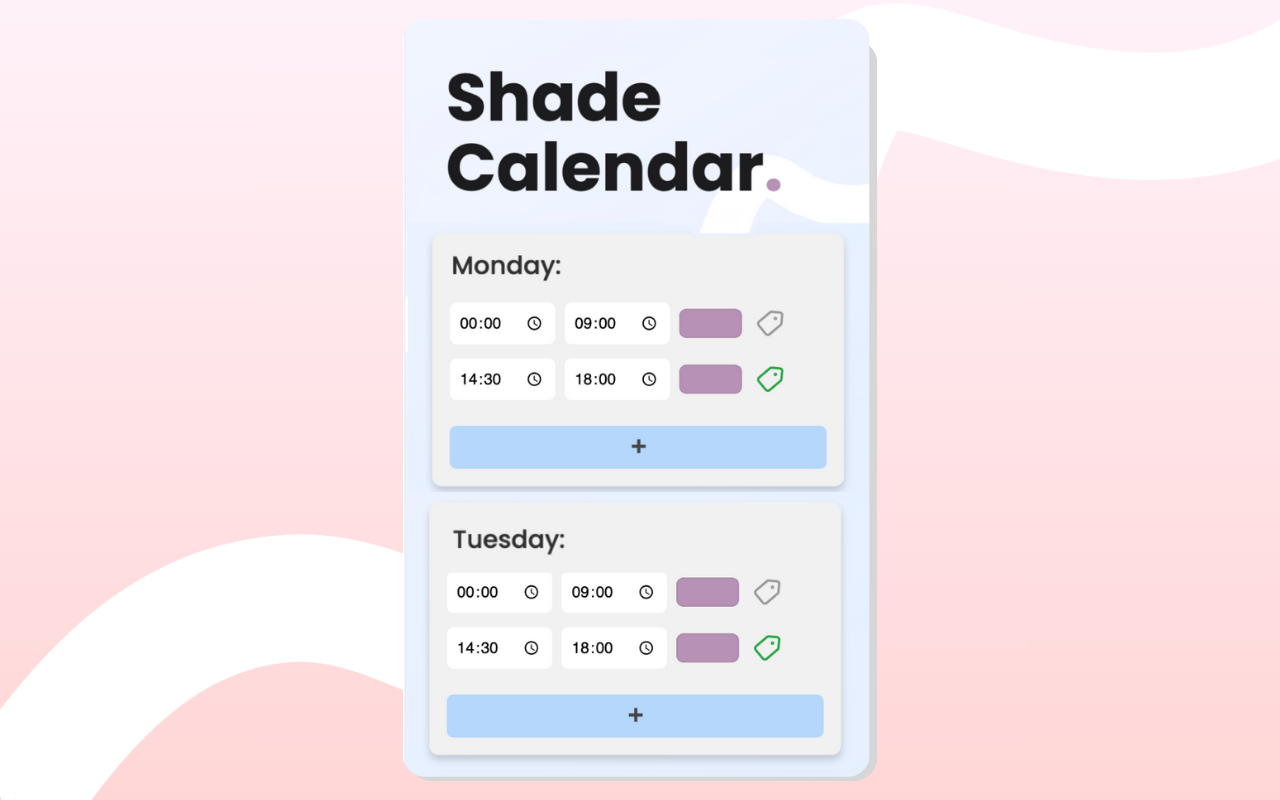
Shade Calendar is a Chrome extension that adds visual shading directly onto your Google Calendar. You can set different shaded blocks for each day, so your calendar actually reflects your real schedule.
Work split shifts on Monday? Shade the gaps. Finish at 3pm on Fridays? Shade everything after that. It sits in the background behind your actual events - no clutter or fake appointments here.
Getting started
Install the extension, open Google Calendar, and start adding blocks that match this week’s schedule. It takes a couple of minutes and makes a surprisingly big difference to how your week feels 💯
Try Shade Calendar →